
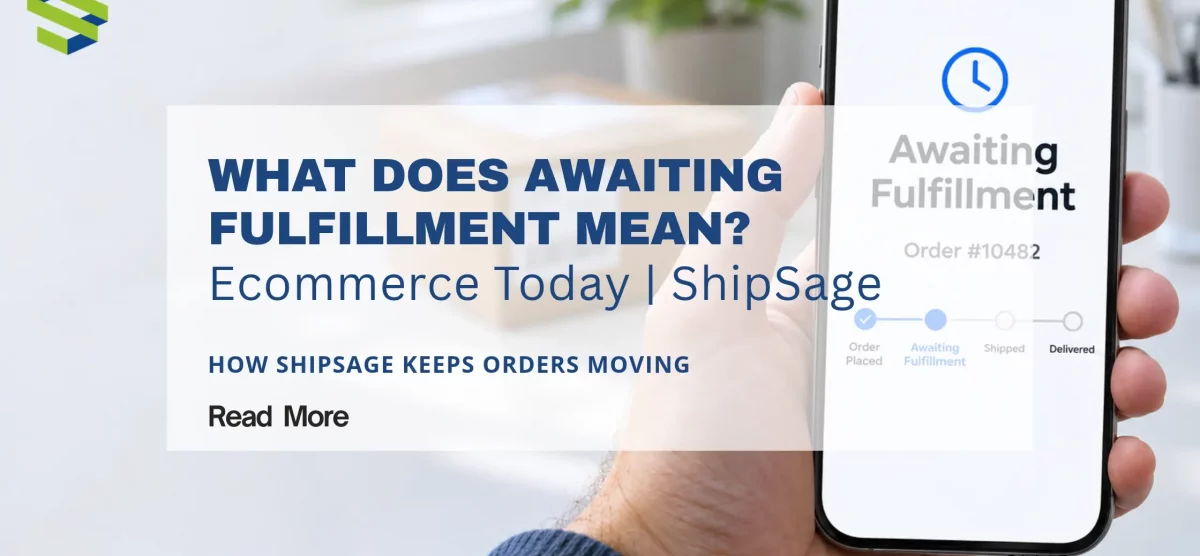
What Does “Awaiting Fulfillment” Mean? Causes, Timing, and What to Do
You place an order, or you sell one, and the status says “awaiting fulfillment.” Has something gone wrong? Usually not. Awaiting fulfillment means the order has been placed and received, but the items have not yet been picked, packed, and handed to a carrier. The order is in line, not lost.
This guide explains what the status means, why an order can stay in it longer than expected, how long it should take, and what to do if it seems stuck. It also shows how ShipSage, a US 3PL, keeps orders moving out of this status.
Quick answer
Awaiting fulfillment = the order is confirmed but has not shipped yet. It is waiting for the warehouse or seller to pick, pack, and send it. Most orders move on within the seller’s normal processing window. If yours does not, the cause is usually a cut-off time, missing inventory, or an order that has not reached the warehouse.
What “Awaiting Fulfillment” Means
Fulfillment is everything that happens between an order being placed and it being delivered: picking the items, packing them, labeling the package, and passing it to a carrier. “Awaiting fulfillment” describes the stage before that work begins. The order exists, but it has not been shipped, and you typically will not see a tracking number yet.
Different stores and systems use different words for the same stage. You may see:
- Awaiting fulfillment
- Pending fulfillment
- Awaiting shipment or awaiting shipping
- Unfulfilled
These labels usually point to the same stage, but the exact definition depends on the platform. If precision matters, check your platform’s help pages for its own order status definitions.
What Happens After an Order Is Placed
A typical order moves through these steps:
- Order placed. The customer checks out and the order is recorded.
- Order sent to fulfillment. The order is passed to the warehouse or the team that ships it.
- Pick. Someone gathers the items from inventory.
- Pack and label. The items are packed and a shipping label is applied.
- Handoff to the carrier. The package is dispatched and a tracking number is added.
An order is “awaiting fulfillment” from the moment it is confirmed until picking and packing are done. Once it ships, the status changes, often to “fulfilled” or “shipped.”
Why an Order Stays in Awaiting Fulfillment
Most delays come from a short list of causes. The exact behavior depends on your platform and warehouse, but these are the usual ones:
- It is waiting for the next processing window. Warehouses work to a daily cut-off time and set operating hours. An order that arrives after the cut-off, or on a weekend or holiday, waits for the next working day.
- The inventory has not arrived or been received yet. A warehouse cannot pick stock it has not received and logged. This is common right after a seller sends in a new shipment.
- The order has not reached the warehouse. If the store and the warehouse system are not connected, or a sync has failed, the order can sit in the store without ever being sent for picking.
- The item is out of stock. If stock counts are off, an order can be accepted for an item that is not available to pick.
- The order is on hold. Some stores hold an order for payment checks or a manual review before releasing it for fulfillment.
- Something on the order needs fixing. An incomplete address or an item that does not match a product record can stop an order from moving on.
How Long Should an Order Stay in Awaiting Fulfillment?
There is no single answer, because it depends on who is fulfilling the order. A store that packs its own orders depends on its staff and schedule. An order handled by a 3PL follows that warehouse’s cut-off time and processing window.
For reference, ShipSage’s published service levels are:
- Orders placed before 12:00 PM local warehouse time ship the same day. Orders placed after that ship the next day.
- Orders pushed before the local cut-off are processed the same day. Orders after the cut-off are processed the next day.
- Under normal circumstances, all orders are processed within 24 hours.
- Warehouses operate Monday to Friday, 6:00 am to 6:00 pm local time, and are closed on holidays.
Other warehouses set their own times, so ask yours for its cut-off and processing window. If an order is past that window and still awaiting fulfillment, it is worth investigating.
What to Do If an Order Is Stuck
If you are the customer
- Check the confirmation email or order page for the seller’s stated processing time.
- Allow for cut-off times, weekends, and holidays.
- If the order is still unchanged after the stated time, contact the seller with your order number.
If you are the seller
- Check the cut-off and hours. Confirm whether the order arrived after the daily cut-off or outside operating hours.
- Confirm the inventory is received and available. Check that the stock for that SKU is logged at the warehouse.
- Check that the order synced. Make sure the order reached your warehouse or fulfillment system.
- Look for holds. Check for payment, review, or address issues on the order.
- Contact your fulfillment partner. Send the order number and ask for its status.
Many of these causes come down to inventory visibility and order sync. For more on both, see Why Real-Time Inventory Tracking Is So Important for Online Sellers and Real-Time Order Tracking for E-Commerce Success.
How ShipSage Helps Keep Orders Moving
ShipSage is a US 3PL for ecommerce brands, and its order fulfillment, warehouse management system, and integrations are built around the causes above. Here is how each one is handled, based on ShipSage’s published information:
| Common cause | How ShipSage handles it |
|---|---|
| Waiting for the processing window | Orders pushed before the local cut-off are processed the same day; orders after it are processed the next day. Under normal circumstances, all orders are processed within 24 hours. Orders placed before 12:00 PM local warehouse time ship the same day. |
| Inventory not yet received | ShipSage processes advance shipping notices (ASNs) within a 48-hour service level, excluding the arrival date. Inventory appears in your account once the ASN is marked “completed,” and once it is received and logged, orders can be fulfilled. You can submit orders while an ASN is on the way. |
| Order not reaching the warehouse | ShipSage’s order management system connects 100+ marketplaces, storefronts, and business systems, including Amazon, Shopify, Walmart, TikTok Shop, Temu, Etsy, eBay, and Oracle NetSuite. Orders sync automatically, and tracking flows back to the marketplace without manual uploads. Onboarding includes API setup, SKU mapping, order flow testing, and go-live validation. |
| Stock counts that do not match | All your channels share one inventory pool in ShipSage, which prevents overselling and keeps stock accurate across every channel. For Shopify, the OMS updates inventory in real time: when an order is fulfilled or restocked in the warehouse, the quantity is updated on your store. Partners can also check inventory in real time on the ShipSage platform. |
| Not knowing where an order is | ShipSage provides live order tracking across your ecommerce channels, and tracking details are available in the ShipSage app once an order is dispatched. The ShipSage WMS includes live tracking of inventory and orders, and the Customer Success Team can help with inventory questions. |
ShipSage’s order fulfillment process follows six steps:
- Prepare your inventory for shipment to ShipSage.
- ShipSage verifies the ASN when it receives the shipment.
- Inventory is organized and updated in the system.
- You connect your listings, inventory, and orders by API or template.
- The warehouse prepares each order for shipment.
- Orders are dispatched, with tracking details available in the ShipSage app.
Learn more on the order fulfillment services page, see what the system offers on the ShipSage WMS page, or read how our Shopify integration and other integrations work. For general questions, our FAQ page covers cut-off times, ASN receiving, and more. If you are still comparing providers, start with our guide to what a 3PL is.
Frequently Asked Questions
What does awaiting fulfillment mean?
Awaiting fulfillment means an order has been placed and confirmed, but it has not yet been picked, packed, and shipped. It is waiting for the seller or warehouse to process it.
How long does an order stay in awaiting fulfillment?
It depends on the seller or warehouse. Many orders move on within a day, but a cut-off time, weekend, or holiday can add time. At ShipSage, orders are normally processed within 24 hours, and orders placed before 12:00 PM local warehouse time ship the same day.
Is awaiting fulfillment the same as pending fulfillment?
They usually describe the same stage, an order that has been placed but not shipped. Exact definitions vary by platform, so check your platform’s help documentation.
Why is my order stuck on awaiting fulfillment?
Common reasons are an order placed after the cut-off, inventory that has not been received or is out of stock, an order that did not sync to the warehouse, or a hold on the order. Contact the seller or your fulfillment partner with the order number.
Can I cancel an order that is awaiting fulfillment?
Sometimes. It depends on the seller’s policy and how far along the order is. Contact the seller as soon as possible, before picking and packing begin.
The Bottom Line
Awaiting fulfillment is a normal stage, not a problem in itself. It becomes a problem when an order stays there past the seller’s stated window. For sellers, the fixes are usually a clear cut-off time, inventory that is received and visible, and orders that sync straight to the warehouse. If you want that handled for you, our team can walk you through how ShipSage does it.
Ready to Upgrade Your Fulfillment?
At ShipSage, we work with growing ecommerce brands to provide flexible, scalable 3PL fulfillment — no long-term contracts, real people, and a nationwide warehouse network built for speed. Whether you’re shipping 500 orders a month or 50,000, we’re ready to help you deliver like a giant.
Fill out the form below to start a conversation with our team. →